7 Things Every Restaurant Website Needs to Turn Visitors Into Reservations
The restaurant website must-haves that turn a visitor into a reservation are: a menu that is easy to find and written as real text (not a PDF), a tap-to-call phone number, your hours, your address linked to a map for one-tap directions, an obvious button to reserve or order online, a page that loads fast and fits a phone screen, and real photos of your food and space. Most people who land on your site are on a phone and have nearly decided where to eat, so they need these answers in seconds or they leave for a competitor.


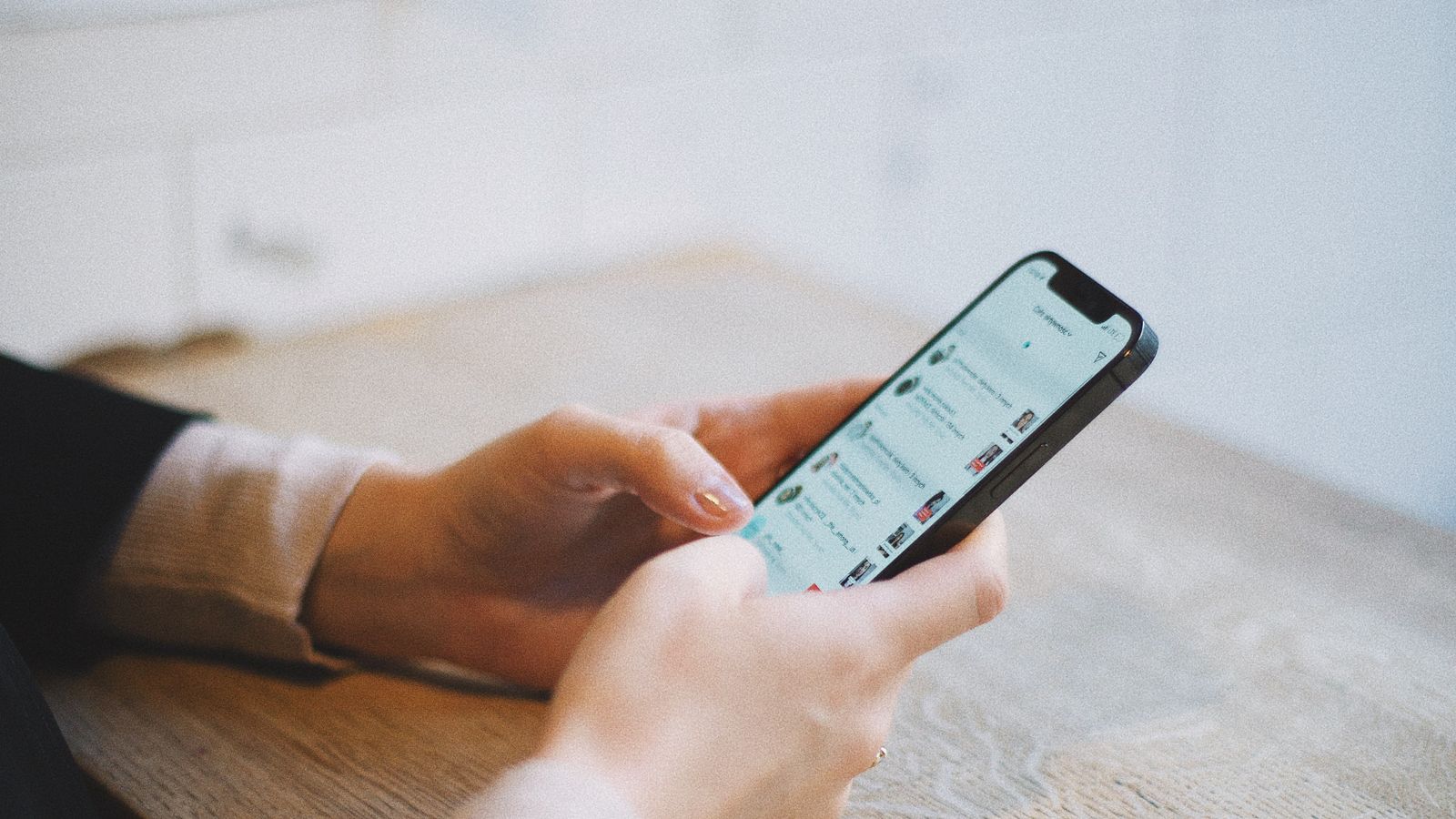
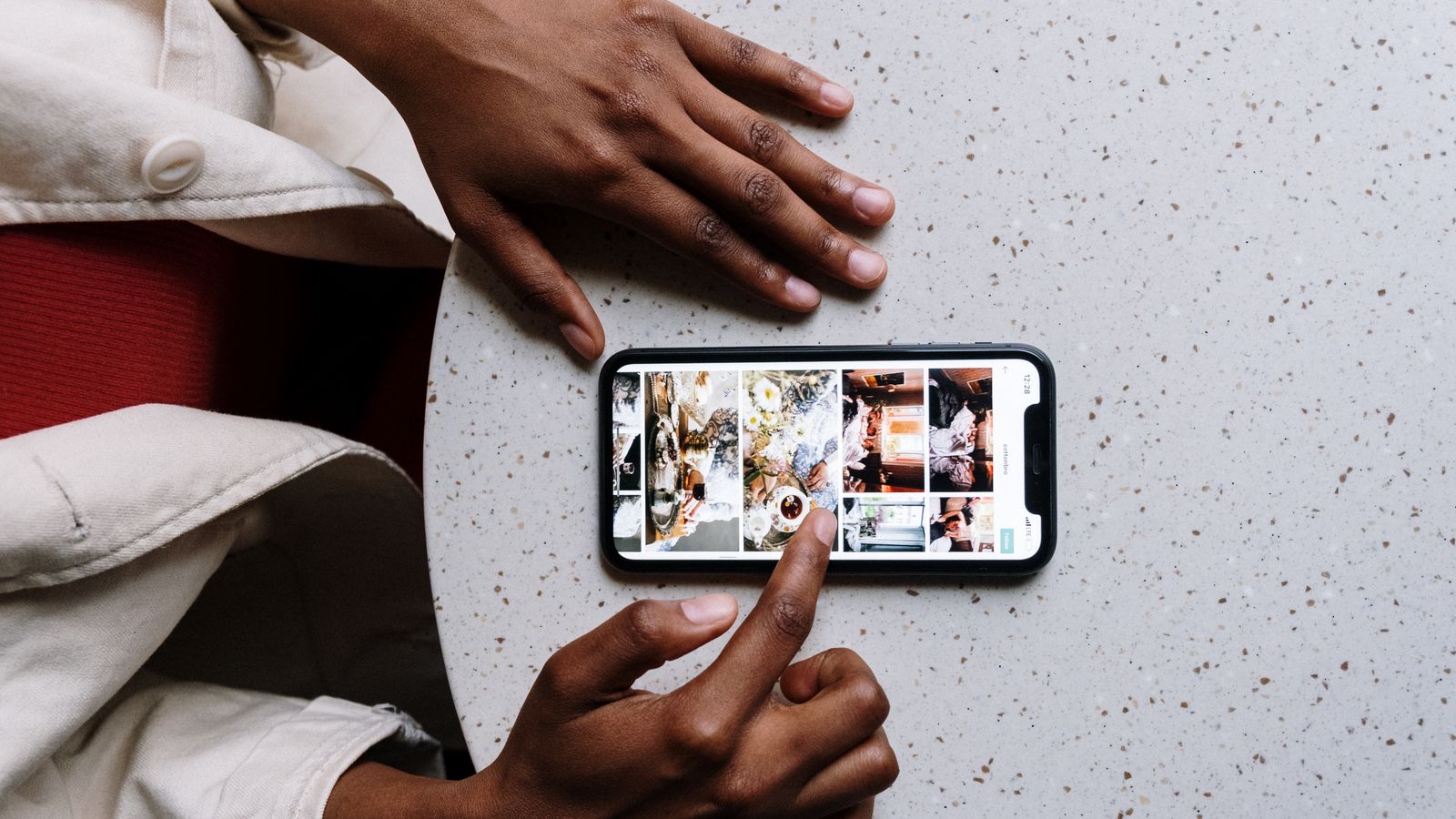
- Over 60% of restaurant website visits come from a phone, so check everything on your own phone first, not just your computer.
- Your menu should be real text on a normal web page, not a PDF or a photo of a paper menu, because those are painful to read on a small screen.
- Make your phone number and address tappable, so one tap starts a call and one tap opens directions in Google or Apple Maps.
- Put your hours where they are easy to see and keep them current, including holidays and Miami's busy season.
- Give visitors one clear button to reserve a table or order online, placed at the top of the page before they scroll.
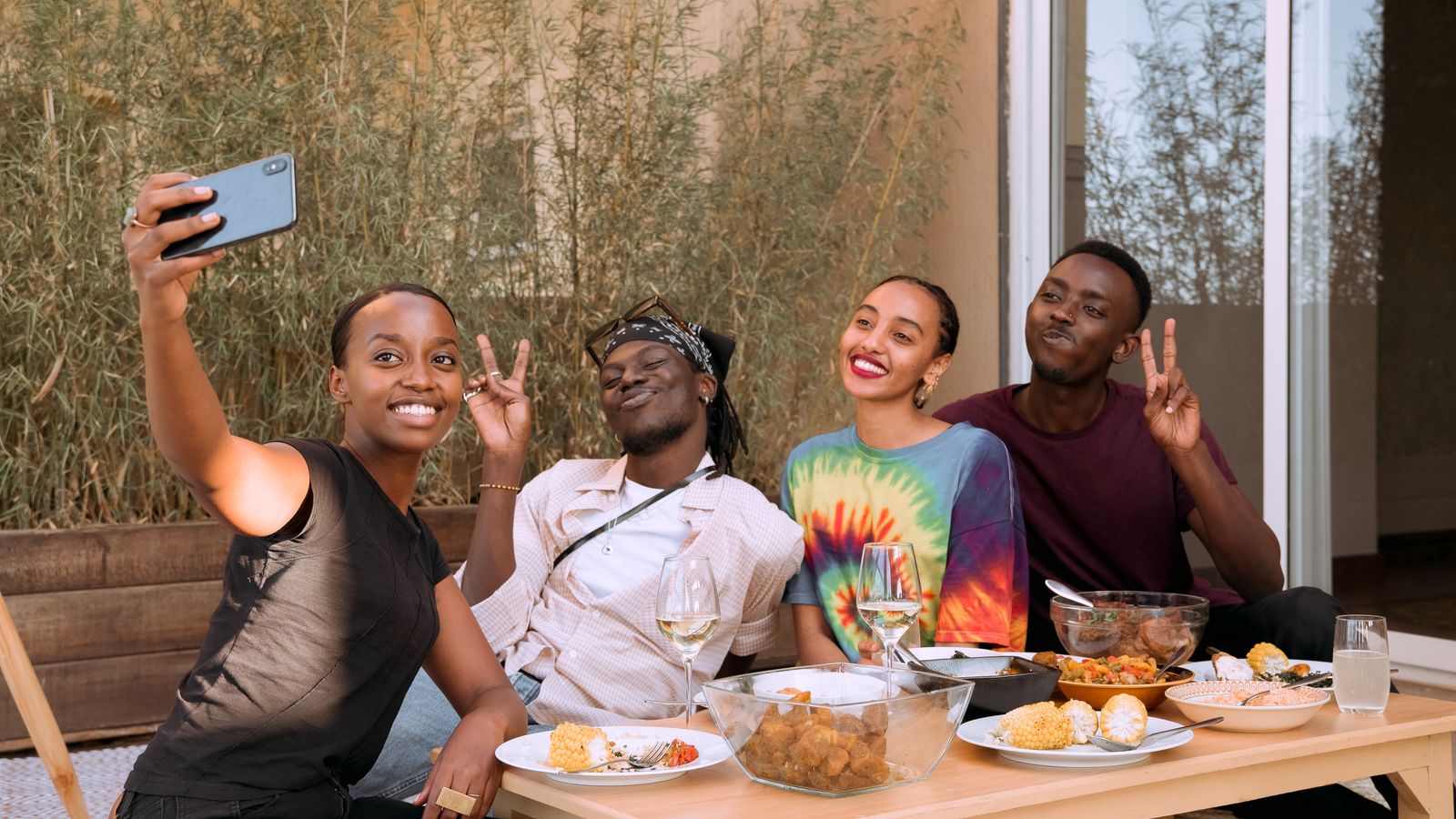
- Speed and photos matter: 53% of mobile visitors leave a page that takes more than three seconds, and real food photos beat stock images every time.
Why does your website decide whether a hungry visitor becomes a guest?
Before the seven must-haves, understand who is actually visiting. More than 60% of visits to restaurant websites come from a phone, and for some spots it is closer to 8 out of 10. These people are not browsing for fun. They are usually minutes away from choosing where to eat or where to book, and they came to your site to answer a few quick questions: What do you serve? Are you open? Where are you? How do I book or order?
If they cannot find those answers fast, they bounce. Bounce is just the marketing word for leaving your site without doing anything, no call, no reservation, no directions. And when they bounce, they do not close their phone. They go to the next restaurant on the list. In a city like Miami, where a tourist in South Beach or a family in Doral is deciding between you and ten other spots on the same screen, the site that answers fastest usually wins the table.
So the goal of your website is not to look fancy. The goal is to answer the obvious questions instantly and make the next step (call, reserve, order, get directions) impossible to miss. That is what the seven items below do.
Must-have #1: Is your menu easy to find, and is it real text instead of a PDF?
Your menu is the single most-visited page on almost every restaurant website. It is the first thing a hungry visitor hunts for, so it needs to be one tap away and easy to read. The most common mistake here is uploading your menu as a PDF (a document file, the kind that opens in its own separate screen) or as a photo of your printed menu. On a phone, both are a nightmare: tiny text, awkward zooming, slow to load, and sometimes they try to download instead of just showing.
How to check yours:
- Open your website on your phone, the way a customer would.
- Try to get to your menu in one or two taps.
- Can you read the prices and dishes without pinching and zooming? If you are zooming, your customers are too, and many will not bother.
How to fix it:
- Put your menu on a normal web page as typed text (something like yourrestaurant.com/menu), organized by section: starters, mains, drinks, desserts.
- Include prices, and keep them current. A menu with no prices makes people nervous, and a menu with old prices makes them feel tricked at the table.
- Do not upload a PDF or a picture of a paper menu as your only menu. If you want to offer a printable version too, that is fine, but the main menu people see should be real text.
- Add a clear Menu link to the navigation bar at the top of your site so it is reachable from every page.
A bonus: a menu written as real text is also what lets Google and AI assistants read your dishes and suggest you when someone searches for, say, ropa vieja or birria near them. A PDF hides all of that.
Must-have #2: Can someone call you with a single tap?
Plenty of guests still want to call, especially for a big party, a question about allergies, a private event, or a same-night table. On a phone, they expect to tap your number and have it start dialing. That feature is called tap-to-call (also written click-to-call): your phone number is set up as a link, so one tap opens the dialer with your number already filled in.
How to check yours:
- Open your site on your phone and find your phone number.
- Tap it. If a call starts (or your phone asks to call), you are good.
- If nothing happens, your number is just plain text or, worse, baked into an image, and every caller has to memorize it or copy it by hand. Many will not.
How to fix it:
- In your website editor, highlight your phone number and use the link button, then choose the Phone option (some builders call it a tel link). Enter your number with the area code, like 305-555-0123.
- Most builders (Wix, Squarespace, GoDaddy, Shopify) have this option built in. If you cannot find it, that is a one-line request for whoever built your site.
- Put the number in the header, the strip at the very top of every page, so it is always visible without scrolling. Repeat it on your contact page.
If a good share of your guests speak Spanish, make sure whoever answers that number can too, and say so on the page. In Miami, that small detail turns a nervous caller into a booked table.
Must-have #3: Are your hours right there where people can see them?
The question in almost every visitor's head is simple: are you open right now? If your hours are buried, missing, or wrong, people assume the worst and move on. Wrong hours are also the fastest way to make someone angry, because they get in the car, drive over, and find a locked door.
How to check yours:
- On your phone, can you find your hours on the homepage without endless scrolling?
- Are they actually correct today? Check them against reality, not what you meant to update six months ago.
- Do they account for days you close, brunch-only days, or a kitchen that stops before the bar does?
How to fix it:
- List your hours as plain text on your homepage and your contact page. A simple day-by-day list is perfect.
- Note anything unusual, like Kitchen closes at 10, bar open until midnight or Closed Mondays.
- Update them for holidays and for Miami's busy winter season (roughly December through April), when Brickell and Miami Beach fill up and your hours may stretch later.
- Make sure the hours on your website match the hours on your Google listing exactly. When the two disagree, customers get confused and Google trusts you a little less.
Set a reminder to glance at your hours before every long weekend. It takes a minute and saves you a one-star review that starts with "drove all the way there and they were closed."
Must-have #4: Can a visitor get directions to your door in one tap?
Once someone decides to visit, the next thing they want is to get there. Your full address should be on the page as text, and it should be a map link: tapping it opens Google Maps or Apple Maps with directions to you already loaded. An address that just sits there as text they have to retype is a small hurdle, and small hurdles lose customers.
How to check yours:
- On your phone, find your address on the site.
- Tap it. Does a map open with directions to your restaurant? If yes, perfect.
- If nothing happens, it is plain text and you are making guests copy it into their maps app by hand.
How to fix it:
- Show your complete address as text (street, suite if you have one, city, zip).
- Turn it into a link that points to your restaurant on Google Maps. To get that link: search your restaurant on Google Maps, click Share, and copy the link it gives you. Then, in your site editor, highlight your address and paste that link.
- If your builder offers it, embed a small live map on your contact page as well, so people can see your location at a glance.
- Name your neighborhood on the page (for example, "in the heart of Little Havana"). It reassures locals and helps you show up when someone searches your area by name.
Must-have #5: Can they reserve a table or order online right now?
This is the whole point of the website: to turn a curious visitor into a booking or an order while they are ready. That means one obvious button they cannot miss. Two tools make this happen. A reservation system (like OpenTable, Resy, Tock, or SevenRooms) shows your open tables and lets someone book in a few taps. An online ordering system (like Toast, Square, Owner, or ChowNow) lets them place a pickup or delivery order; some of these are commission-free, meaning you keep more of each order.
How to check yours:
- Open your homepage on your phone.
- Is there a clear Reserve or Order Online button visible right away, before you scroll? The area you see before scrolling is called above the fold, and that is where this button belongs.
- Tap it and go through the steps as if you were a customer. Does it actually work, all the way to a confirmation?
How to fix it:
- Pick the system that fits how you run: a reservation tool if you seat guests, an ordering tool if you do a lot of pickup and delivery, or both.
- Add its button or booking box to your header and near the top of your homepage. Repeat it on your menu page, right where appetite is highest.
- If you do not take reservations, still give people a next step: an Order Online button, a Join the Waitlist link, or at the very least a clear "Call to reserve" with your tap-to-call number.
- Test the whole flow yourself once a month. Broken booking buttons are silent. They do not send you an error, they just quietly cost you tables.
Must-have #6: Does your site load fast and fit a phone screen?
You can have all of the above and still lose people if the site is slow or clumsy on a phone. Two things matter here. Mobile-friendly (also called responsive) means the layout automatically adjusts to a phone: text is readable, buttons are big enough to tap, and nothing runs off the edge. Load speed is simply how many seconds the page takes to appear. Both are make-or-break, because about 53% of mobile visitors abandon a page that takes more than three seconds to load. Bounce rates climb from roughly 7% at one second to about 38% at five seconds.
How to check mobile-friendliness:
- Open your site on your phone.
- Can you read everything without pinching to zoom? Are the buttons easy to tap with a thumb? Is anything cut off or overlapping?
- Try it on a friend's phone too, ideally a different brand, to catch problems yours hides.
How to check speed:
- On a computer, go to pagespeed.web.dev (Google's free PageSpeed Insights tool).
- Type in your website address and click Analyze.
- Read the Mobile score. Green is good, yellow is okay, red needs work. Also just count the seconds when you open your site on cellular data, not wifi.
Common fixes: the number one cause of a slow restaurant site is huge photo files, so have someone compress your images. Remove autoplay background videos, giant image sliders, and pop-ups that block the screen. If your site is fundamentally slow and dated no matter what you try, that is a sign it is time for a rebuild rather than another patch.
Must-have #7: Are you showing real photos of your food and your space?
People eat with their eyes, and they decide with them too. Real photos of your actual dishes, your dining room, and your team build appetite and trust in a way words never will. The opposite, stock photos (generic images bought from a website, the same plate of pasta a hundred other restaurants use), quietly tells visitors you are hiding something. Even when they cannot name why, a fake-looking site makes people hesitate.
How to check yours:
- Look at the photos on your site. Are they actually your restaurant and your food, or could they be any restaurant anywhere?
- Do they show your signature dishes, the ones you are known for and want to sell?
- Are they bright and appetizing, or dark and blurry?
How to fix it:
- You do not need a fancy camera. A recent phone works. Shoot in daylight, near a window, with the overhead lights off, which flatters food far more than yellow indoor lighting.
- Capture a mix: one strong hero shot for the homepage, several signature dishes for the menu, a couple of the interior and the vibe, and one of your storefront so people recognize your door from the sidewalk.
- Replace every stock photo with a real one. Refresh your shots seasonally so specials and new dishes show up.
- Before you upload, resize large photos so they do not slow your site down (this ties straight back to must-have #6).
If shooting food that looks as good as it tastes feels out of reach, this is exactly the kind of thing a hospitality-focused team handles quickly, and it is one of the highest-payoff upgrades you can make.
How do you check all seven in about ten minutes?
You do not need a developer to grade your own site. Pick up your phone right now, open your website, and run this quick checklist as if you were a hungry stranger:
- Menu: can you read it in one or two taps, as real text, without zooming?
- Phone: does tapping the number start a call?
- Hours: are they easy to find and correct today?
- Address: does tapping it open directions in your maps app?
- Booking: is there an obvious Reserve or Order button before you scroll, and does it work?
- Speed and fit: does the page load in a few seconds and fit your screen without pinching?
- Photos: are they real shots of your food and space, and do they look good?
If one or two items fail, you have a short to-do list you can knock out this week. If most of them fail, your website is quietly turning away customers every day, and a refresh will likely pay for itself fast. When you are ready to fix it properly, here is how we build sites that do all seven of these by default: restaurant website design built to fill tables.
And if you would rather have someone look at your current site with you and point out exactly what is costing you reservations, tell us about your restaurant and we will walk through it together.
Frequently asked questions
What should every restaurant website have?
Every restaurant website needs seven things to turn visitors into reservations: a menu that is easy to find and written as real text (not a PDF), a tap-to-call phone number, clearly visible and current hours, an address linked to a map for one-tap directions, an obvious button to reserve a table or order online, a page that loads fast and fits a phone screen, and real photos of your food and space. These answer the questions a hungry visitor has in the seconds before they decide where to eat, and missing even one of them sends people to a competitor.
Why shouldn't my restaurant menu be a PDF?
A PDF menu is a poor experience on a phone, where most of your visitors are. It usually opens in a separate screen, forces people to pinch and zoom to read tiny text, loads slowly, and sometimes tries to download instead of just showing. It also hides your dishes from Google and AI assistants, so you miss out when someone searches for a specific food near them. Instead, put your menu on a normal web page as typed text, organized by section with current prices, so it is instant to read and easy for search engines to understand.
How do I add a tap-to-call phone number to my website?
In your website editor, highlight your phone number, use the link button, and choose the Phone option (some builders call it a tel link), then enter your number with the area code. Popular builders like Wix, Squarespace, GoDaddy, and Shopify all include this. Put the number in the header at the top of every page so it is always visible. To confirm it works, open your site on your phone and tap the number; a call should start. If nothing happens, the number is plain text or an image and needs to be turned into a link.
How fast should a restaurant website load?
Aim for under three seconds on a phone. About 53% of mobile visitors abandon a page that takes longer than three seconds, and bounce rates rise sharply after that, from roughly 7% at one second to about 38% at five seconds. You can check your own speed for free at pagespeed.web.dev by entering your web address and reading the Mobile score. The most common cause of a slow restaurant site is oversized photo files, so compressing your images and removing heavy sliders or autoplay videos usually makes the biggest difference.
Do I need online reservations on my restaurant website?
If you seat guests and take bookings, yes, an online reservation button is one of the highest-value things on your site because it converts a ready visitor into a confirmed table without a phone call. Use a system like OpenTable, Resy, Tock, or SevenRooms and place the button at the top of your homepage, before people scroll. If you do not take reservations, still give visitors a clear next step, such as an Order Online button or a prominent tap-to-call number, so no one who is ready to act hits a dead end.
How do I know if my restaurant website is mobile-friendly?
Open your website on your own phone and check three things: can you read all the text without pinching to zoom, are the buttons big enough to tap with a thumb, and does anything run off the edge or overlap. If the layout adjusts cleanly to your screen, it is mobile-friendly (also called responsive). Test it on a second phone of a different brand to catch issues yours hides. Since more than 60% of restaurant website visits come from phones, a site that only looks right on a computer is losing you most of your visitors.
Should I use stock photos on my restaurant website?
No. Stock photos, the generic bought images that many restaurants reuse, quietly make visitors distrust you because the food on screen is clearly not yours. Real photos of your actual dishes, dining room, and storefront build appetite and trust and help people recognize your place. You do not need a professional camera; a recent phone shot in daylight near a window works well. Capture your signature dishes, your interior, and your storefront, replace every stock image, and resize the files so they do not slow your site down.
If this was useful and you would rather hand it off, book a free strategy call and we will build a plan around your specific restaurant.
Christian Paula
Christian Paula is the Creative Director at Button Up Media, a restaurant-focused marketing agency based in Miami, Florida. He leads the content, video, and design work that helps restaurants, bars, and coffee shops stand out and fill seats.