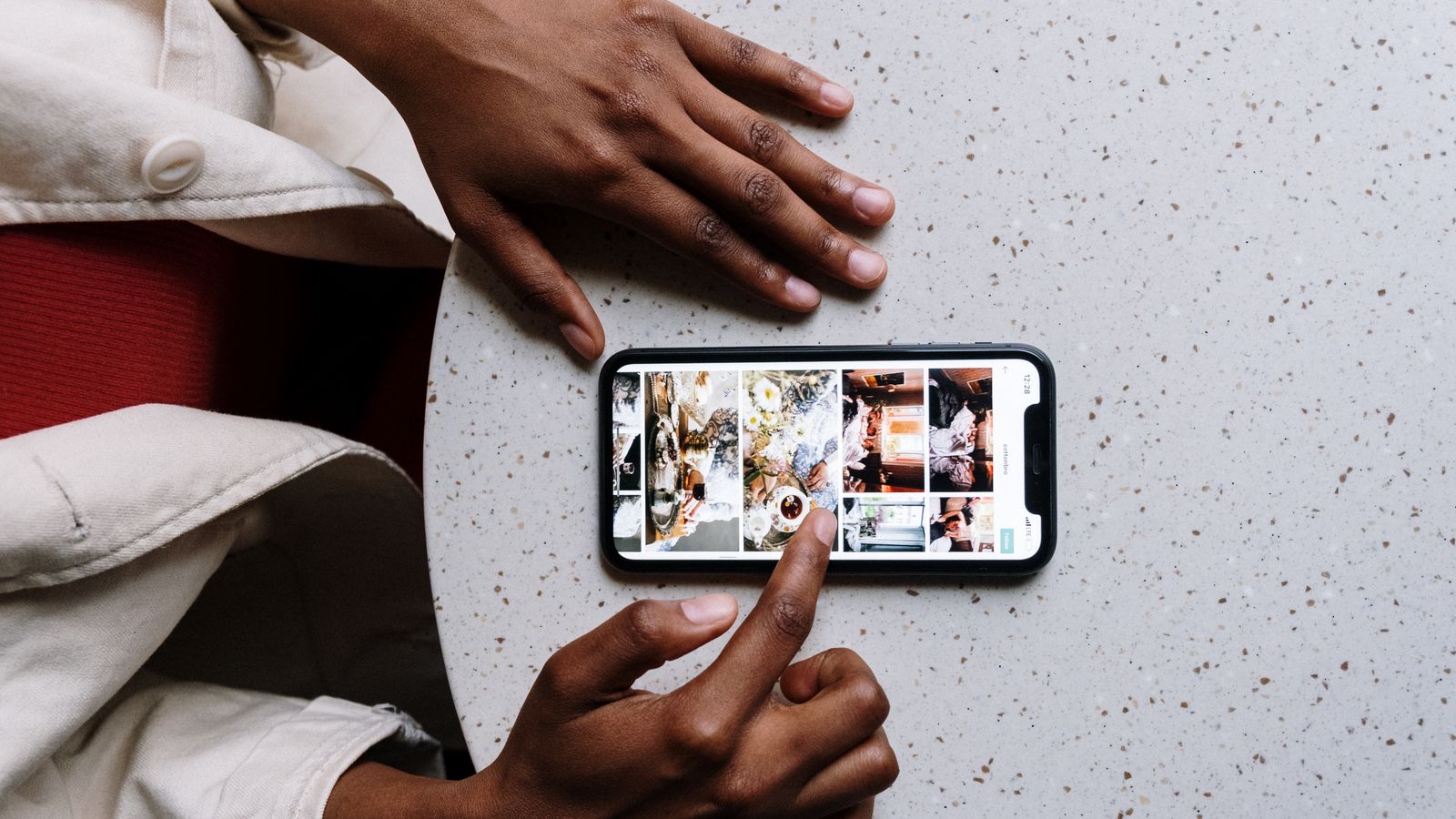
Restaurant Reel Ideas That Actually Bring In Customers
A Reel is a short, vertical video (the kind that fills your whole phone screen) that you post on Instagram. For restaurants, the Reels that bring in the most customers are simple: a close-up of a dish being made, a "behind the kitchen" clip, a happy regular ordering their favorite, or a quick look at a new menu item. You film it on your phone in 15 to 30 seconds, add a trending sound, write a caption that says what the food is and where you are, and tap Share. You do not need fancy gear or any marketing background to start.

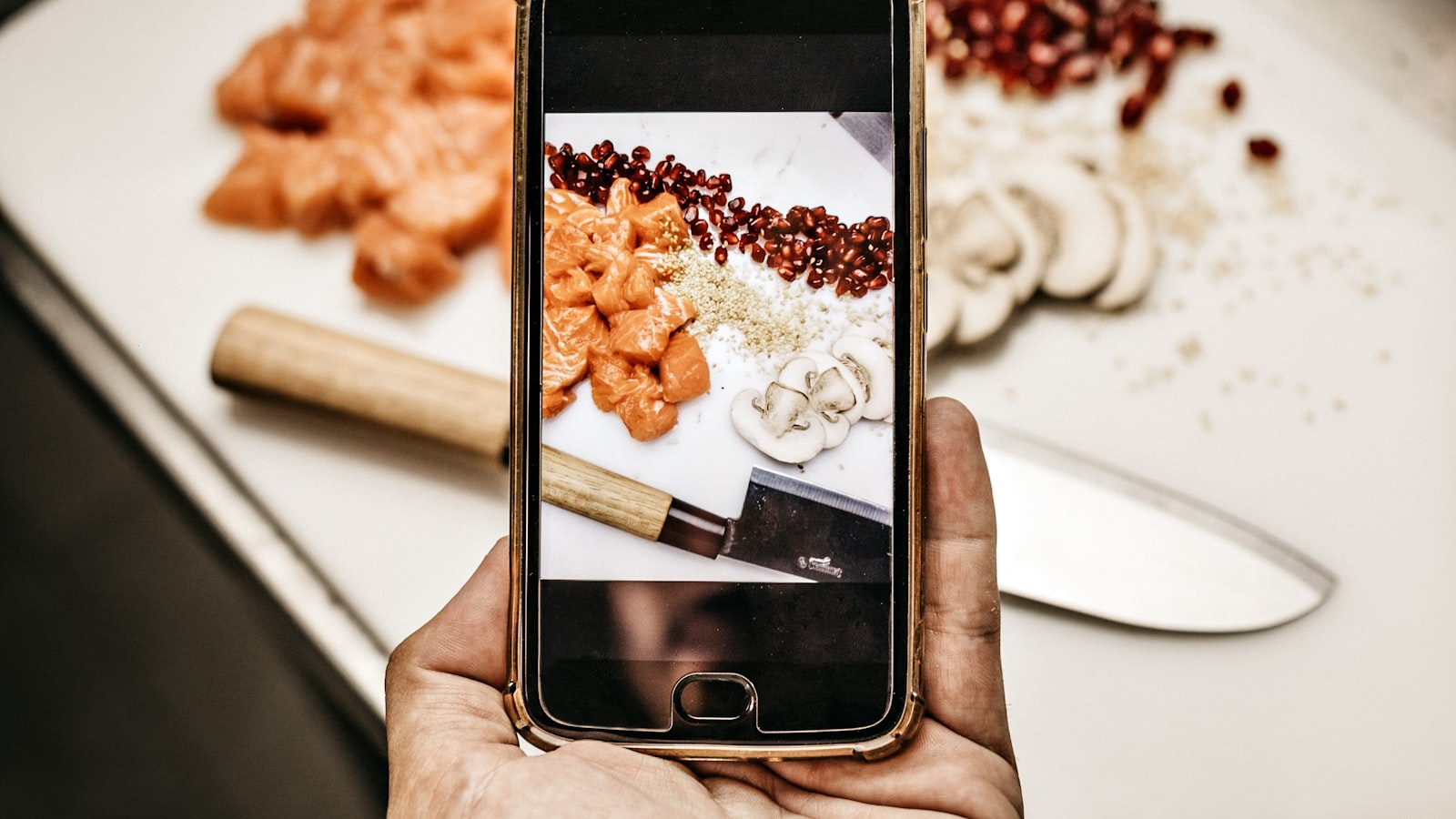
- A Reel is simply a short vertical video posted on Instagram. You film it on your phone, no special equipment needed.
- The best restaurant Reels are short (15 to 30 seconds), show food up close, and have a trending sound. Instagram favors Reels under 90 seconds for reach.
- Always add a caption that names the dish and your location, so hungry locals can find you and know where to come.
- Post 3 to 5 Reels a week if you can. Consistency matters more than any single perfect video.
- You do not need to be on camera. Hands plating food, a sizzling pan, or a steaming bowl all work great.
- Reply to comments and save your best-performing Reels so you can repeat what works.
First, What Is a Reel (And Why Restaurants Win With Them)
Let's clear up the words first, because nobody explains them and it makes the whole thing feel harder than it is.
- Instagram is a free phone app where people share photos and videos. Your restaurant can have its own account on it.
- A Reel is a short, vertical video (it stands tall and fills your phone screen) that you post inside Instagram. Think of the short food videos you have probably scrolled past while waiting in line somewhere. Those are Reels.
- The algorithm is just Instagram's behind-the-scenes system that decides whose videos to show to which people. When people watch your Reel all the way through, the system shows it to more strangers. That is how a small restaurant can suddenly reach thousands of locals for free.
- A trending sound is a song or audio clip that lots of people are using right now. Adding one gives your video a small boost, because Instagram likes to show off popular sounds.
Restaurants win with Reels for one simple reason: food looks amazing in motion. Cheese pulling, sauce pouring, steam rising. People stop scrolling for it. And because Instagram shows Reels to people near you, the right video can fill tables this weekend. You do not need to dance, talk, or show your face unless you want to.
Set Up Your Account the Right Way (Do This Once)
Before your first Reel, spend five minutes making sure your account is set up so customers can actually find and visit you. You only do this once.
Switch to a free Business account
A Business account is the free version of Instagram made for shops and restaurants. It lets you add an address, hours, and a call button, and it shows you how your videos are doing.
- Open the Instagram app on your phone. If you do not have it, download it free from your phone's app store and create an account with your restaurant's email.
- Tap your profile picture in the bottom-right corner of the screen.
- Tap the three horizontal lines (the menu) in the top-right corner.
- Tap Settings and privacy.
- Scroll down and tap Account type and tools.
- Tap Switch to professional account, then tap Continue through the next screens.
- When asked to pick a category, choose Restaurant, then select Business (not Creator).
- Add your address, phone number, and hours when prompted. This is what lets locals tap to call you or get directions.
Fill in your profile so people know who you are
- From your profile, tap Edit profile.
- In the Name field, type your restaurant name plus your city, like "Maria's Tacos, Austin TX." People search by city, so this helps them find you.
- In the Bio field, write one line about your food and add your neighborhood, like "Family-owned tacos in East Austin. Open Tue to Sun."
- Add your website or online ordering link in the Links field if you have one.
- Tap the checkmark or Done to save.
How to Film and Post Any Reel (Your Go-To Recipe)
Here is the basic process you will repeat for every idea below. Read it once now, and the rest of the guide will make sense. As of 2026, Instagram lets Reels run as long as several minutes, but the system gives the most reach to Reels under 90 seconds, so keep yours short.
Filming on your phone
- Hold your phone upright (vertically), not sideways. Reels are tall, not wide.
- Find good light. Stand near a window or shoot during the day. Bright, natural light makes food look fresh. Avoid filming directly under one harsh overhead light.
- Get close to the food. Fill the screen with the dish. Close-ups of steam, melted cheese, or a knife cutting in always perform best.
- Keep each clip short and steady. Rest your elbows on the counter or lean against something so the video does not shake.
- Film a few 3 to 5 second clips of different angles. You will stitch them together in the app.
Posting it in the Instagram app
- Open Instagram and tap the plus sign (+) at the top of the screen.
- From the options that slide up, tap Reel.
- Tap the photo thumbnail in the bottom-left corner to pull in the clips you already filmed, or hold the round button to record live. Select your clips in the order you want them, then tap Next or Add.
- To add a sound, tap the music note icon at the top. Tap the Trending tab to see popular sounds. Look for a small upward arrow next to a song name, which means it is trending right now. Tap one to add it, and drag the slider to start it where you want.
- Tap Text (the "Aa" icon) to type words on the screen, like the dish name or price. Keep it big and short.
- Tap Next. Now choose your cover (the still photo people see before they tap play). Pick the most mouth-watering frame.
- In the caption box, write what the food is and where you are, like "Our birria tacos, made fresh daily in East Austin."
- Tap Add location and choose your restaurant or neighborhood. This is how nearby people find you. Do not skip it.
- Tap Share. You just posted a Reel.
The 15 Restaurant Reel Ideas (With Exact Steps)
Each idea below tells you what to film. To post any of them, follow the "How to Film and Post Any Reel" steps above. I will note anything special for each one.
1. The signature dish close-up
Film your most popular dish being plated or cut into. Get the cheese pull, the sauce drizzle, the first slice. Caption it with the dish name and "made fresh daily."
2. Behind the kitchen
Film your cook flipping, searing, or tossing a pan. People love seeing the real work. No faces needed, just hands and food.
3. A new menu item reveal
Film the new dish coming together, then the finished plate. In the on-screen text, type "NEW this week." In the caption, tell people the day it launches.
4. The "order with me" regular
Ask a friendly regular if you can film them ordering and taking the first bite. Their genuine reaction sells the food better than any ad. Always ask permission first.
5. Morning prep
Film the early-morning routine: dough being rolled, vegetables chopped, the first batch of coffee. It shows freshness and care.
6. Drink pour
Film a cocktail, smoothie, or fresh juice being poured into the glass. Pours look great in slow motion. To slow a clip, tap it in the editor, tap Speed, and choose 0.5x.
7. The daily special
Quick clip of today's special with the price in big on-screen text. Post it in the morning so people plan to come for lunch.
8. Customer reactions
String together a few short clips of happy guests reacting to their food. Ask permission, and keep each clip a couple of seconds.
9. The "how it's made" mini story
Show three or four steps of one dish from start to finish, with text labeling each step. This works great at 30 to 60 seconds.
10. Staff favorite
Have a team member point to their favorite menu item and give a quick thumbs up. Personal and warm.
11. The packed-house vibe
On a busy night, pan slowly across the full dining room and happy faces (with their okay). It tells newcomers this place is worth visiting.
12. Seasonal or holiday dish
Film a dish tied to the season or an upcoming holiday. Search a matching trending sound and post a week ahead so people plan around it.
13. The "before and after" plate
Film the raw ingredients, then cut to the finished dish. The contrast is satisfying to watch.
14. A quick recipe tease
Show one step of a signature recipe, like the secret sauce going on, without giving away the whole thing. Caption: "Come taste the rest."
15. Thank-you to your community
A simple clip of you or your team waving and saying thanks, with text like "500 followers, thank you Austin." People support restaurants that feel human.
Captions, Sounds, and Hashtags Made Simple
These three little things help more people find your Reel. None of them are complicated.
Writing a caption that works
A caption is just the text under your video. Keep it to one or two sentences and always include two things: what the food is and where you are. Example: "Wood-fired margherita pizza, fresh out of the oven in downtown Tampa." That tells both Instagram and hungry locals exactly what you offer.
Adding hashtags (the # words)
A hashtag is a word with a # in front, like #TampaEats. It acts like a label that helps people browsing that topic find you. Here is how to add them:
- After writing your caption, tap the caption box again to keep typing.
- Type your city plus food, like #TampaFood, then a space, then 3 to 5 more, like #PizzaLovers #Foodie #TampaEats.
- Keep it to about 5 hashtags. More is not better.
Picking a sound that boosts reach
Adding a trending sound is one of the easiest ways to get seen by more people. When you are scrolling Reels and hear a sound you like, tap the song title at the bottom-left of that Reel, then tap Save audio. Later, when you make your own Reel, tap the music note icon, go to Saved, and pick it. Look for the upward arrow next to a sound, which means it is rising fast. Jumping on a trending sound in its first week gives the biggest boost.
How Often to Post and How to Know What's Working
You do not need to post every day. Aim for 3 to 5 Reels a week if you can manage it. Steady beats perfect. Five decent Reels a week will do far more than one polished video a month.
A simple weekly rhythm
- Monday: Film a batch of clips during a slow hour. Just collect raw footage of a few dishes and your kitchen.
- Throughout the week: Post one Reel each day or every other day from that batch.
- Friday: Post your strongest dish or weekend special to catch people planning where to eat.
Checking how a Reel did
Your Business account shows you simple numbers so you can see what people liked. Here is how to read them:
- Go to your profile and tap the Reel you want to check.
- Tap View insights below the video (this appears on Business accounts).
- Look at Views (how many people saw it) and Reach (how many different people it reached).
- Notice which Reels got the most views. Maybe it was a certain dish or a certain sound. Do more of that and less of what flopped.
Reply to your comments
When someone comments, tap the speech bubble under your Reel and reply, even with a simple "Thank you, come see us this weekend." Replying tells Instagram your video is worth showing to more people, and it makes customers feel welcome.
If filming and posting several times a week feels like too much on top of running your restaurant, that is completely normal. This is the kind of steady work a restaurant social media partner can take off your plate, so you can focus on the food.
Frequently asked questions
What exactly is a Reel?
A Reel is a short, vertical video (one that stands tall and fills your phone screen) that you post on Instagram. For a restaurant, it is usually a 15 to 30 second clip of food being made or served. You film it right on your phone, no special camera or editing skills required.
Do I need any special equipment to make restaurant Reels?
No. A regular smartphone is all you need. Good natural light (filming near a window or during the day) matters far more than any gear. A cheap phone tripod or a clip-on phone holder is a nice extra if you want steadier shots, but it is optional.
How long should my restaurant Reels be?
Keep them short. As of 2026, Instagram allows long Reels, but its system gives the most reach to videos under 90 seconds. For restaurants, 15 to 30 seconds works best for quick food clips, and 30 to 60 seconds is good when you are showing a few steps of how a dish is made.
How many Reels should I post each week?
Aim for 3 to 5 a week if you can. Posting consistently matters more than making any single video perfect. A simple trick is to film a batch of clips during one slow hour, then post one at a time throughout the week.
Do I have to be on camera or talk in my Reels?
Not at all. Some of the best-performing restaurant Reels show only hands plating food, a sizzling pan, steam rising off a bowl, or a drink being poured. You can add text on the screen and a trending sound instead of speaking.
What is a trending sound and why does it matter?
A trending sound is a song or audio clip that lots of people are using on Instagram right now. Adding one gives your Reel a small boost in reach, because Instagram likes to promote popular sounds. Look for an upward arrow next to a song name in the music menu, which signals it is rising fast.
Can I film customers in my Reels?
Yes, but always ask their permission first before recording or posting. Most happy guests are glad to be featured. Genuine customer reactions are some of the most convincing content you can post, since people trust other diners more than ads.
What should I write in the caption?
Keep it to one or two sentences and always include two things: what the food is and where your restaurant is located. For example, "Fresh birria tacos, made daily in East Austin." This helps both Instagram and nearby hungry people understand and find what you offer.
This still feels like a lot of work. Can someone do it for me?
Absolutely. Running a restaurant is a full-time job already, and many owners hand the filming, posting, and replying to a social media partner. If you would like help, you can reach out through our contact page and we will walk you through it.
If this was useful and you would rather hand it off, book a free strategy call and we will build a plan around your specific restaurant.
Christian Paula
Christian Paula is the Creative Director at Button Up Media, a restaurant-focused marketing agency based in Miami, Florida. He leads the content, video, and design work that helps restaurants, bars, and coffee shops stand out and fill seats.